
You may have noticed that certain links open in the in-app browser, not the application itself. This common issue ruins the experience for viewers and creators alike. Follow these steps to open links directly in the app instead of the browser.
Android
- Go to Settings on your phone.
- Click on Apps and select the preferred applications from the list.
- Under application info, scroll down and click the Open by default option.
- Enable the toggle for Open supported links.
iPhone
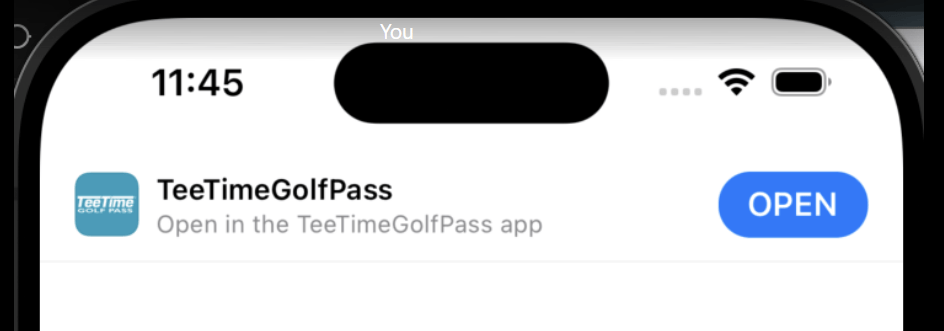
Simply click the Open button on top of screen to open TeeTime Golf Pass App.